Interactive Demo Builder for AI Products
Build scripted simulations of Claude Chat, Claude Code, Claude Cowork, and ChatGPT with streaming text, tool calls, thinking indicators, and rich artifact previews, all running inside a macOS desktop.
Four Product Views, One Simulator
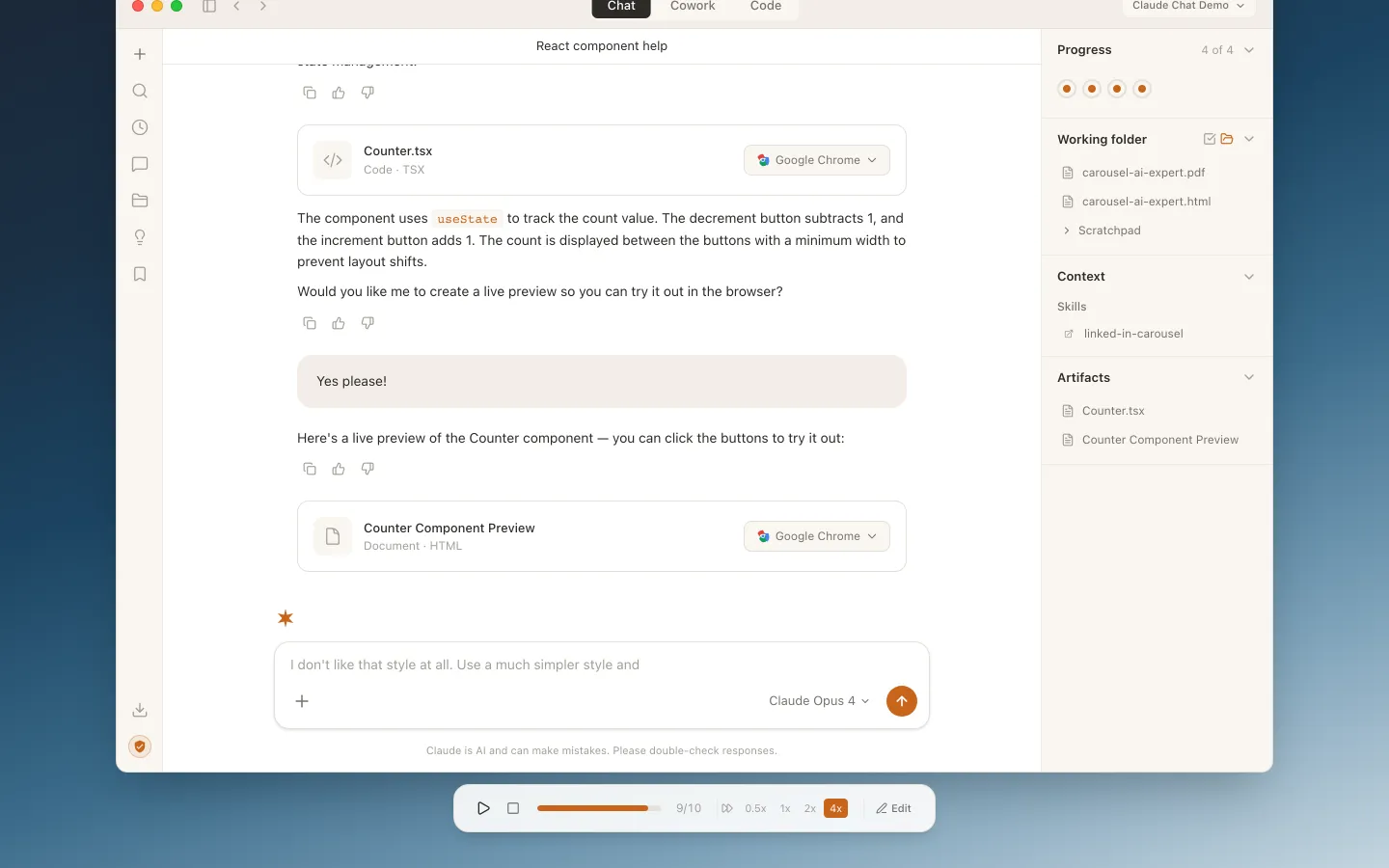
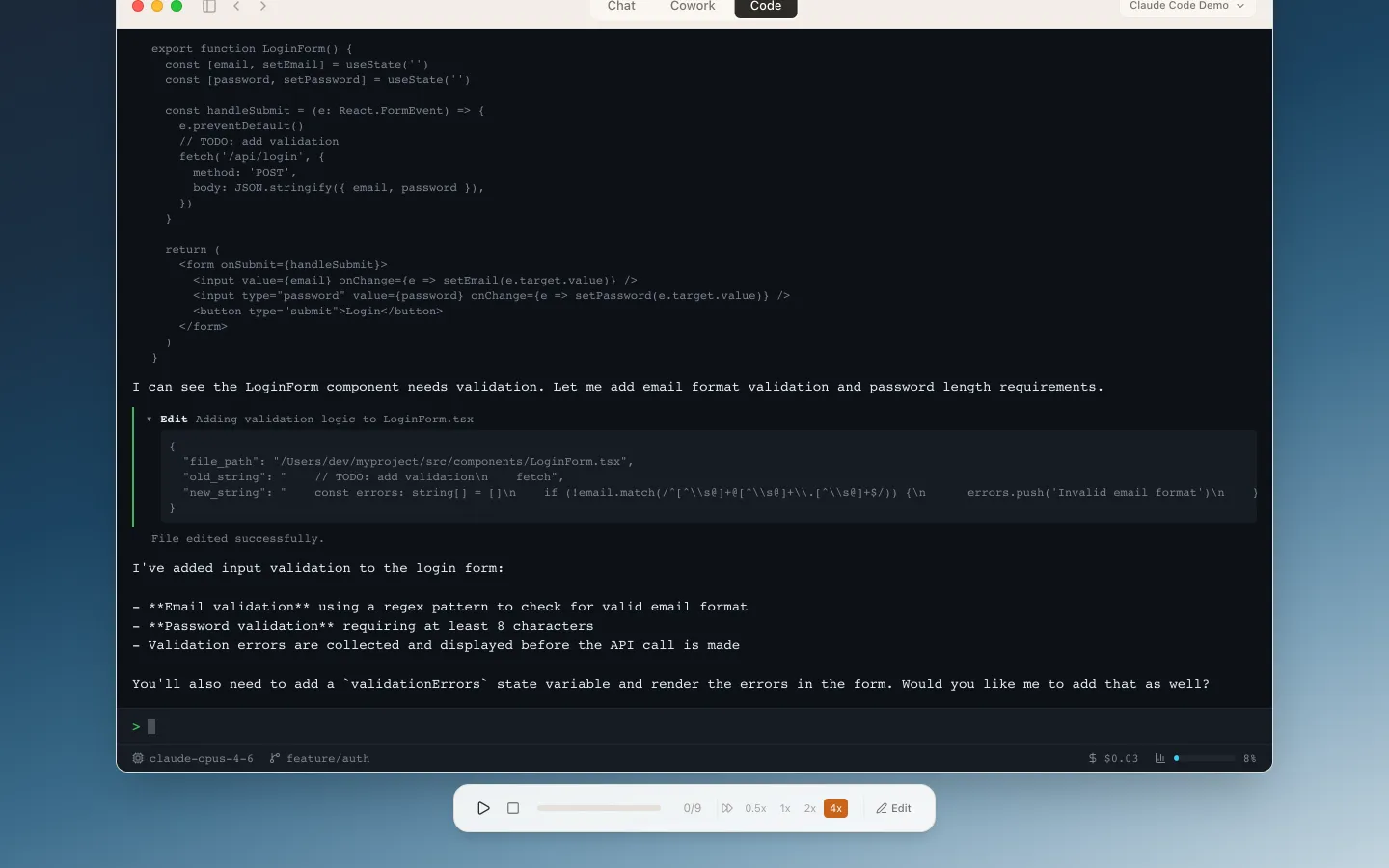
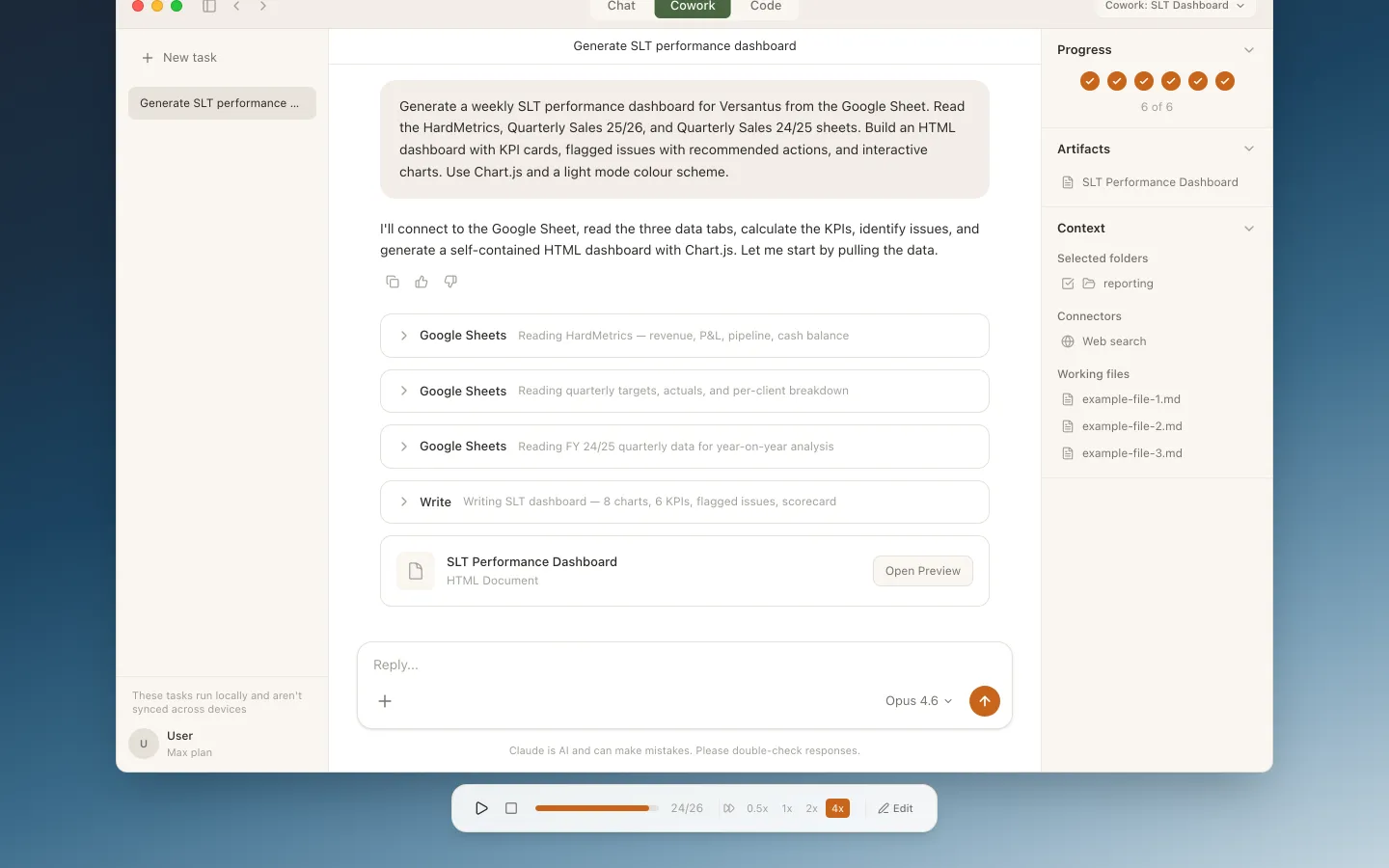
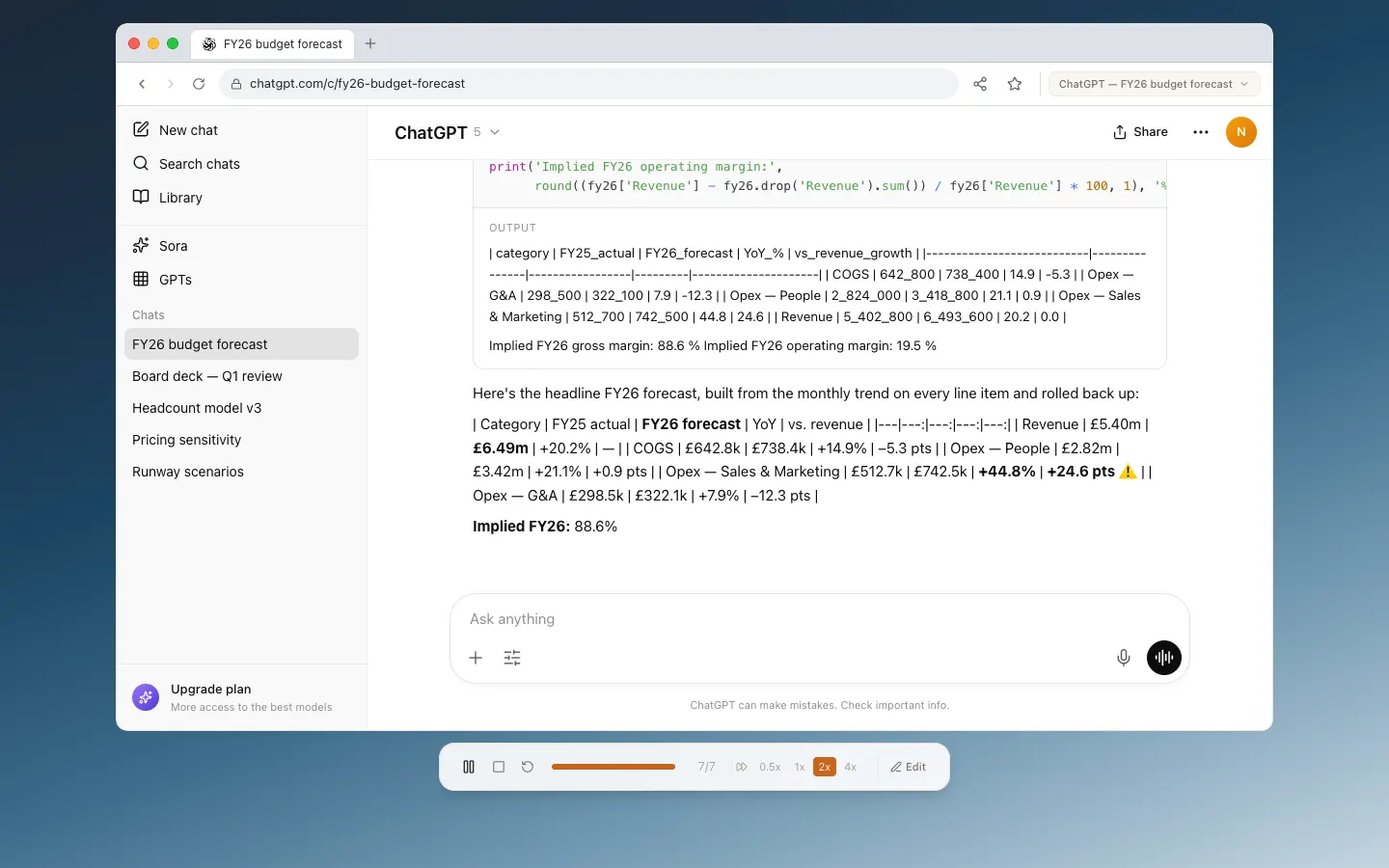
Switch between Claude Chat, Claude Code, Claude Cowork, and ChatGPT to build demos for any AI product surface.
Claude Chat
Simulate the full claude.ai experience with conversation threads, markdown rendering, and artifact panels. Includes realistic typing indicators and streaming responses.
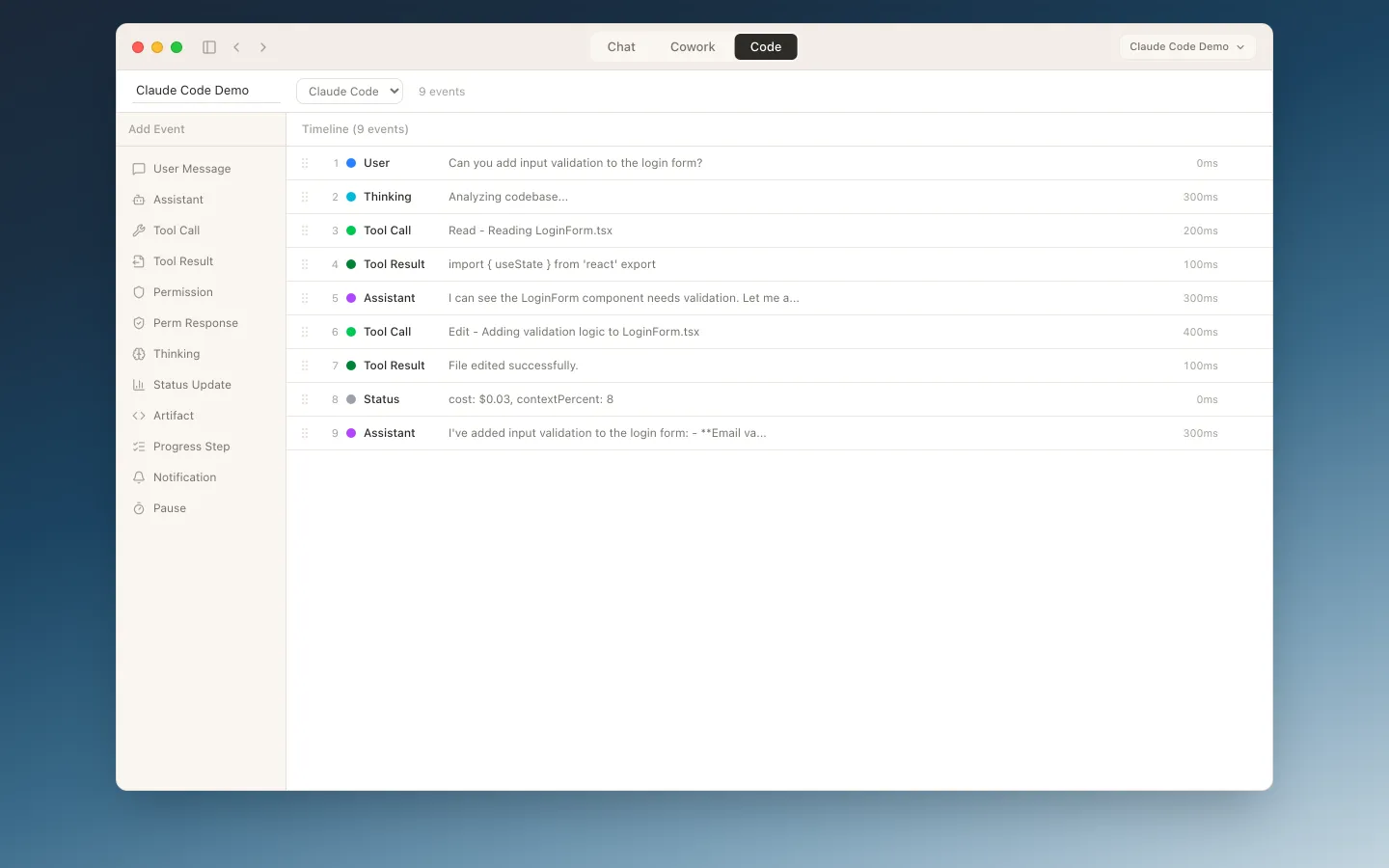
Claude Code
Render the terminal CLI or the new Claude Code GUI side-by-side with streaming output, tool-use blocks, and file diffs. Ideal for developer-focused demos and presentations.
Claude Cowork
The autonomous desktop agent with task dashboards, progress indicators, and multi-step workflows. Shows Claude working independently on complex tasks.
ChatGPT
A pixel-accurate ChatGPT web app with sidebar conversations, file attachments, Python code-interpreter output, and inline tables. Great for comparing prompts across AI products.
Built for Realistic Demos
Everything you need to build convincing demos of Claude in action.
Realistic Streaming Playback
Text streams character-by-character with natural pacing, just like the real Claude products. Typing effects, thinking indicators, and configurable playback speed let you fine-tune the demo experience.
- Character-by-character streaming with natural timing
- Thinking and processing indicators
- Adjustable playback speed (0.5x to 4x)
Visual Simulation Editor
Design simulations visually with a timeline-based editor. Drag events from the palette, configure properties in the detail panel, and preview changes in real time.
- Timeline-based event sequencing
- Event palette with drag-and-drop
- JSON import & export for sharing
Rich Artifact Previews
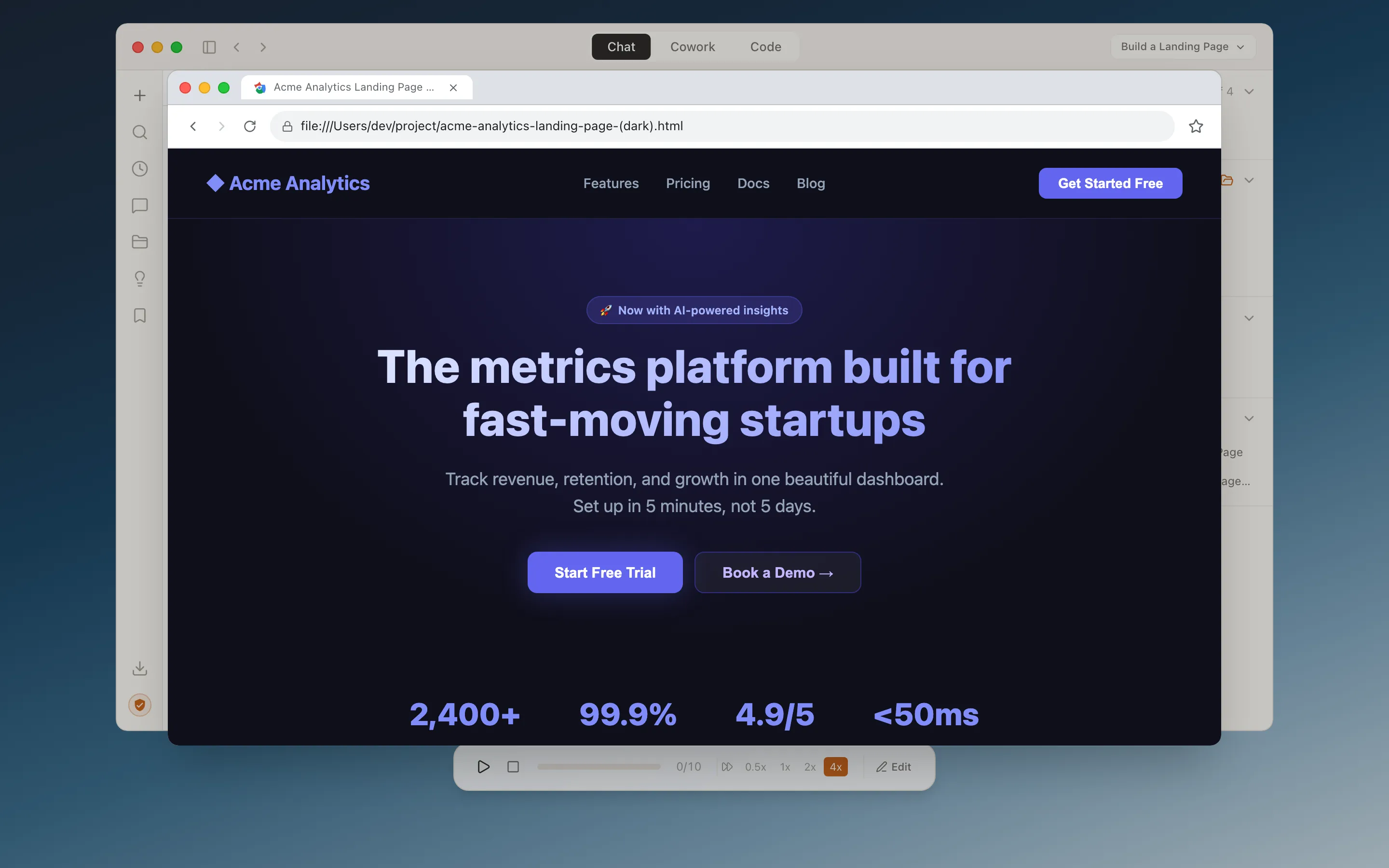
Artifacts open in the right app for the job: HTML, React, and SVG render in a realistic Chrome window, markdown documents open in a Word-style editor, and generated reports preview in a native-feeling PDF viewer. Attachments like spreadsheets and images appear inline as file cards.
- Chrome window for live HTML, React, and SVG artifacts
- Word-style viewer for markdown and generated docs
- PDF viewer for exported reports and documents
- File-card attachments for spreadsheets, PDFs, and images
Included Simulations
18 Built-in Demos
Jump in with eighteen ready-made simulations covering everything from conversational AI to autonomous coding workflows. Deep-link to any demo via ?demo=<id>, or use them as starting points for your own.
- Covers Chat, Code, Cowork, and ChatGPT product views
- Deep-linkable URLs for presentations and demos
- Plain JSON, auto-discovered at build time
Get Started in Minutes
Clone the repo, install dependencies, and start building simulations locally.
Open http://localhost:5173 in your browser
The simulator launches with a demo picker. Pick any of the 18 built-in simulations, jump straight to one with ?demo=<id>, or author your own in the editor.
Tech Stack
Built with modern, well-supported tools
Built with love by
An Oxford, UK-based AI strategy, implementation, and training consultancy helping organisations put AI to work. From leadership training to building production platforms, Versantus gets real results.
Visit versantus.ai